Introduction
TheGates is a 3D web browser. You visit Godot-built worlds by
URL the same way you open a webpage. Paste an address, the world
loads, you walk in. Build worlds with Godot, host them anywhere,
publish in one click.
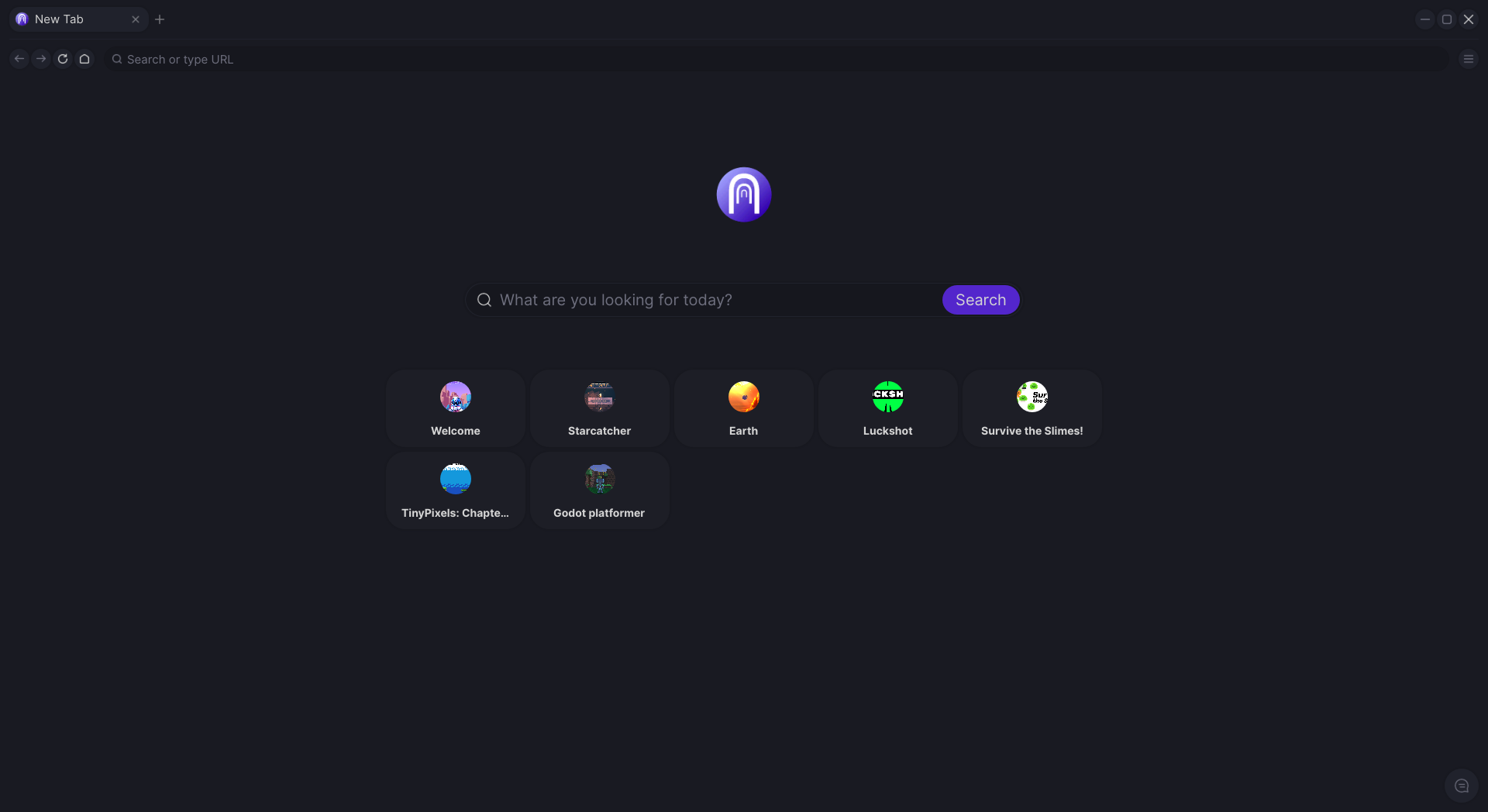
The launcher’s home screen, with search, featured gates, and a
URL bar that takes any
.gate address.It’s a browser, for worlds instead of webpages
If you’ve used Chrome you already know the model:
- Tabs, back/forward, a search bar, an address bar. The
familiar browser chrome, but every address opens a 3D world
instead of a page.
- The home screen shows featured gates, including Welcome,
a 3D hub you can walk through to discover others.
- Every gate runs in its own OS-level sandbox, so a hostile
gate can’t reach your files, your home network, or your other
gates. See Sandboxing.
Why we’re building this
The internet is for people interacting and exchanging information.
We’ve mostly been doing that in 2D (pages, hyperlinks, text
boxes), but interaction in 3D space is closer to how humans
actually engage with the world. TheGates is a 3D internet: worlds
connected together like web pages, visited by URL, with no
installer between you and the experience.
The other piece is openness. 3D content today mostly lives on
platforms like Roblox, VRChat, and Decentraland, which own the
worlds and monetize them. TheGates is a browser. Anyone can host,
anyone can visit, anyone can link. The browser and the backend
are open source, and the project runs as a non-profit. That part
stays true regardless of what we add later.
A gate is whatever its creator wants it to be: a game, a hangout,
a portfolio, a music venue, a study room, a personal home page
in 3D. The early web had personal sites: strange, specific
corners that belonged to whoever made them. Platforms came in
later and consolidated everyone onto the same templates. Gates
are that, in 3D.
Start here
Want to build with it? → Quickstart.
Your first gate, end to end, in about five minutes.
Want to use it? → Download the app from
thegates.io. For the broader vision,
see the website too. These docs are about how to build.